
NOEVA, in-house
Our website contact form and internal forms
We use NOEVA Formify ourselves. Our website's contact form is built with it, and so are our internal forms: non-conformities, near misses, training requests.
Module 04/06 · NOEVA Formify
Write what you need: the AI builds the form, you share it with a link, and you ask the answers for a report.
01 The problem
02 The idea
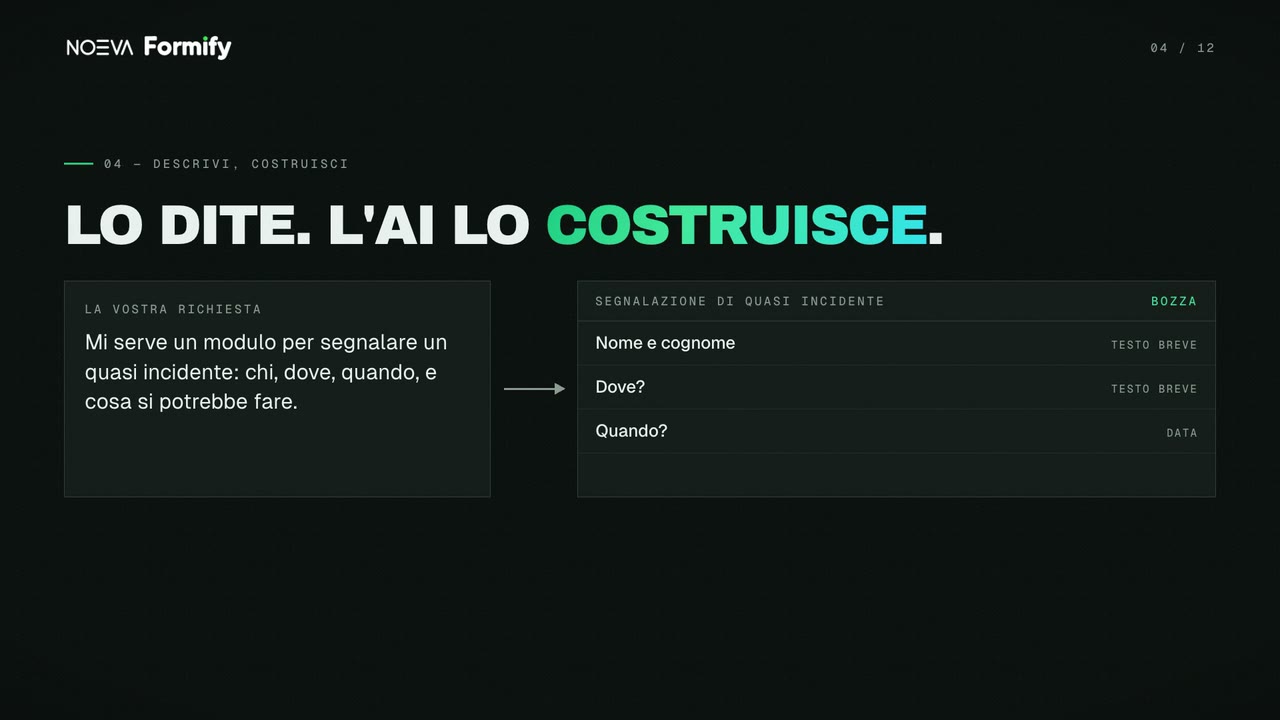
Write what you need, the way you'd tell a colleague. The AI builds the form.
03 You describe it, the AI builds it
Write what you need, the way you'd tell a colleague, and the AI builds the form. If the request is vague, it asks you a few questions first.
04 Hand edits, when you need them
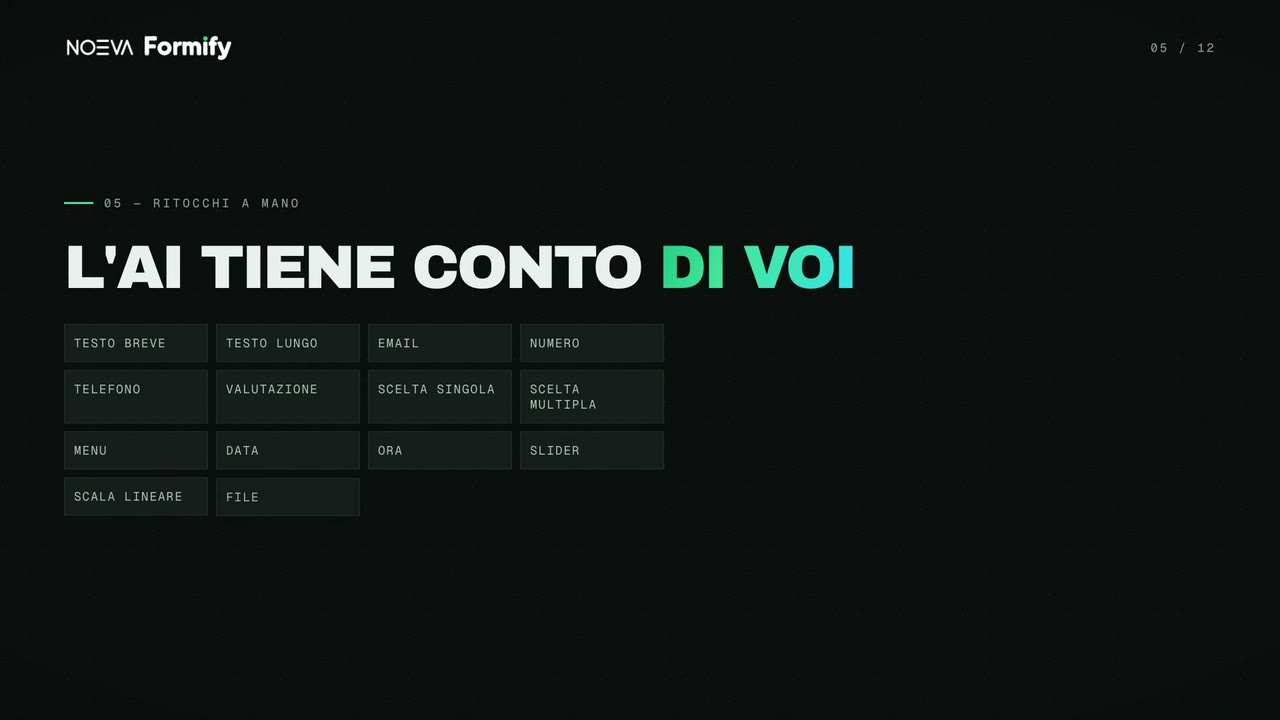
Then you adjust it by hand, and the AI takes your edits into account. Fourteen field types, and questions that only appear when they're needed.
05 Your look
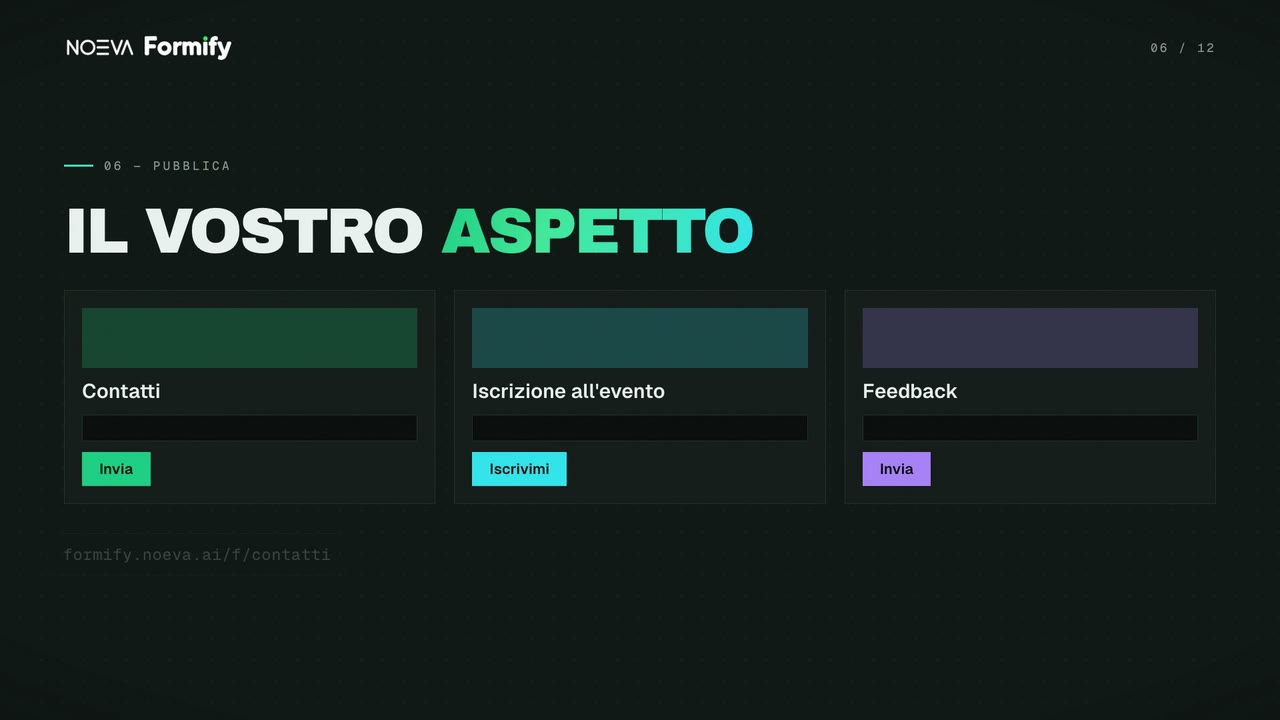
The form takes on your colours, fonts and logo. Share it with a link, or embed it in your website.
06 Alerts only when they matter
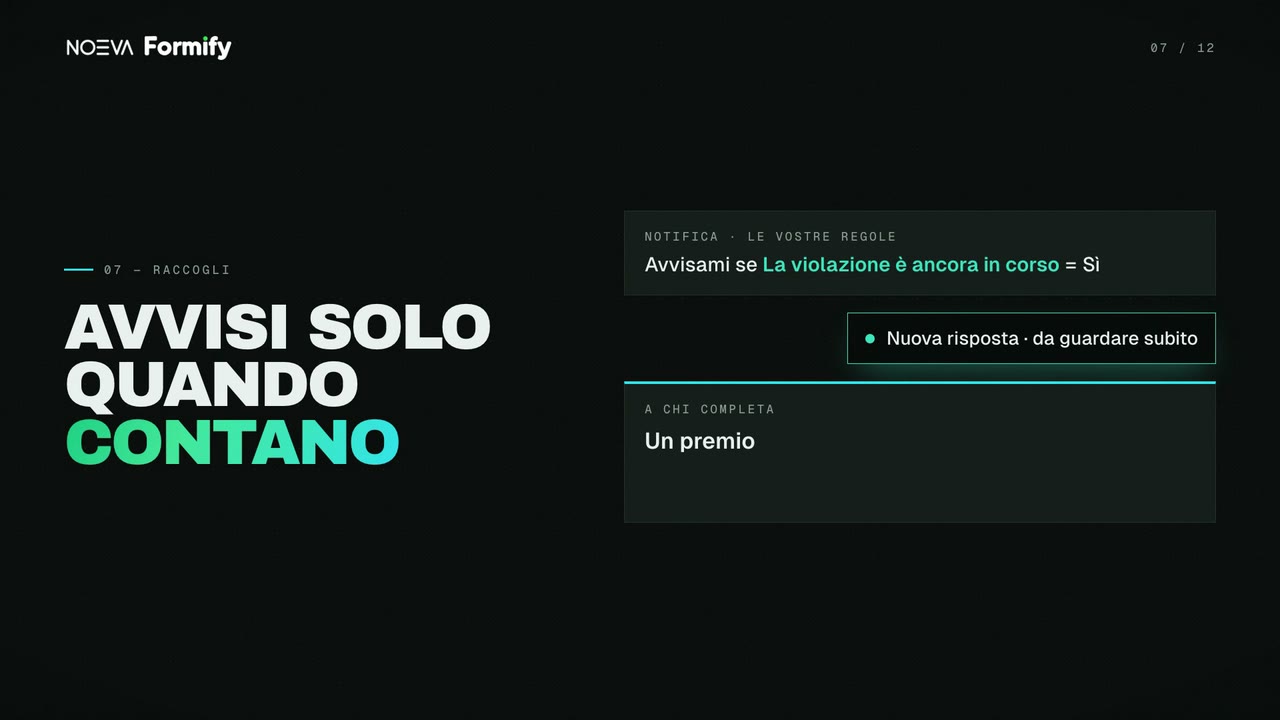
Answers come in, and only alert you when they matter. And whoever completes the form gets a reward: a link, or a file to download.
07 Ask your answers
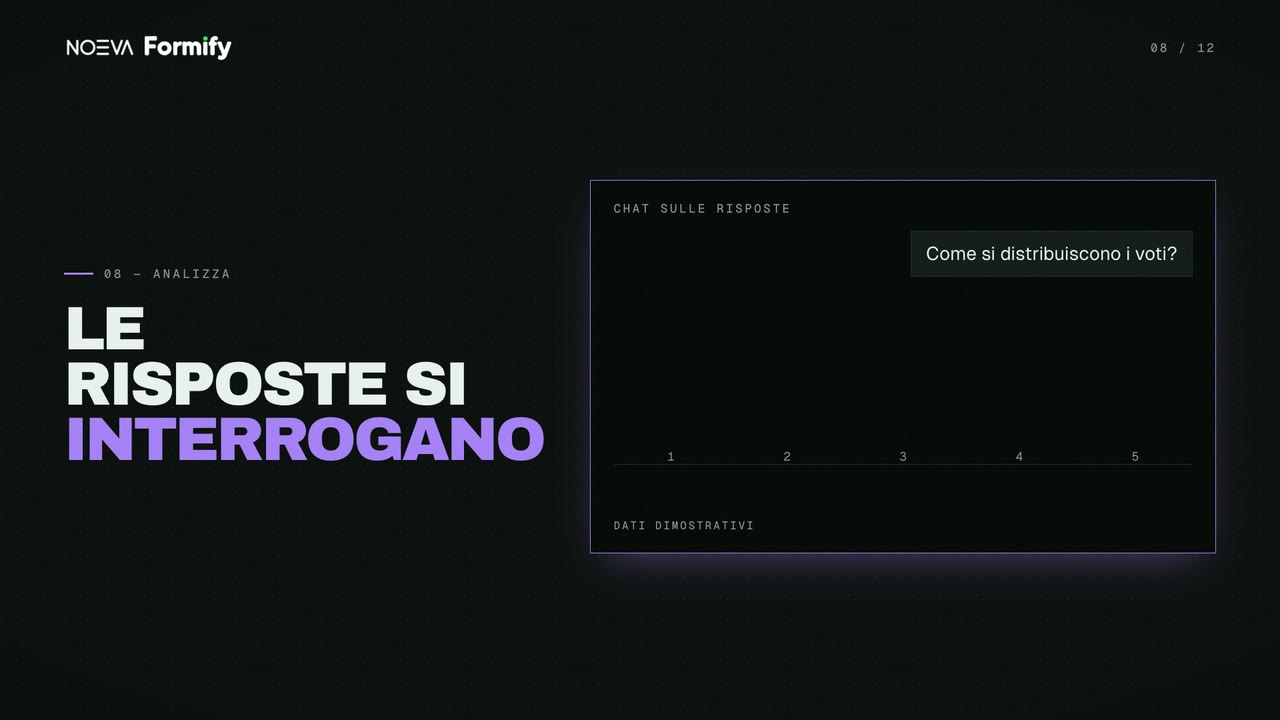
Ask for a report, or how the ratings are distributed. You get the text and the chart.
08 Every answer, a document
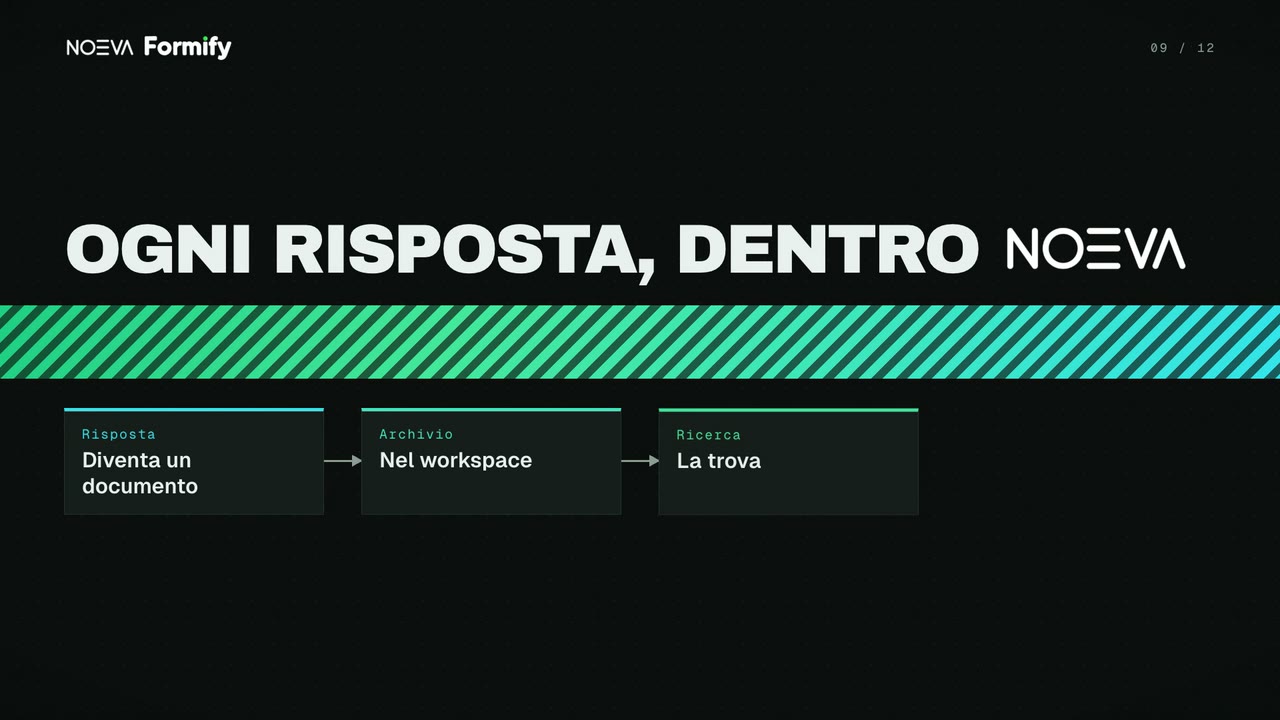
Every answer can go into NOEVA as a document. There, search can find it and agents can read it.
09 From your AI assistant
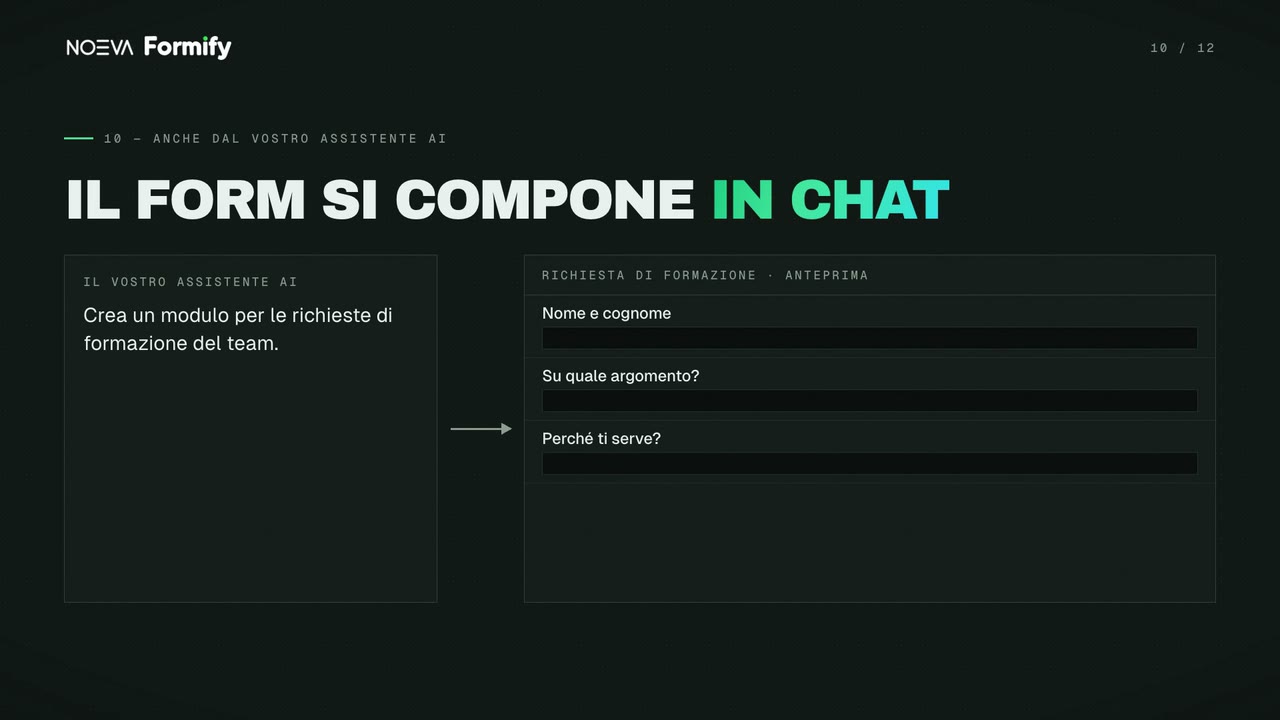
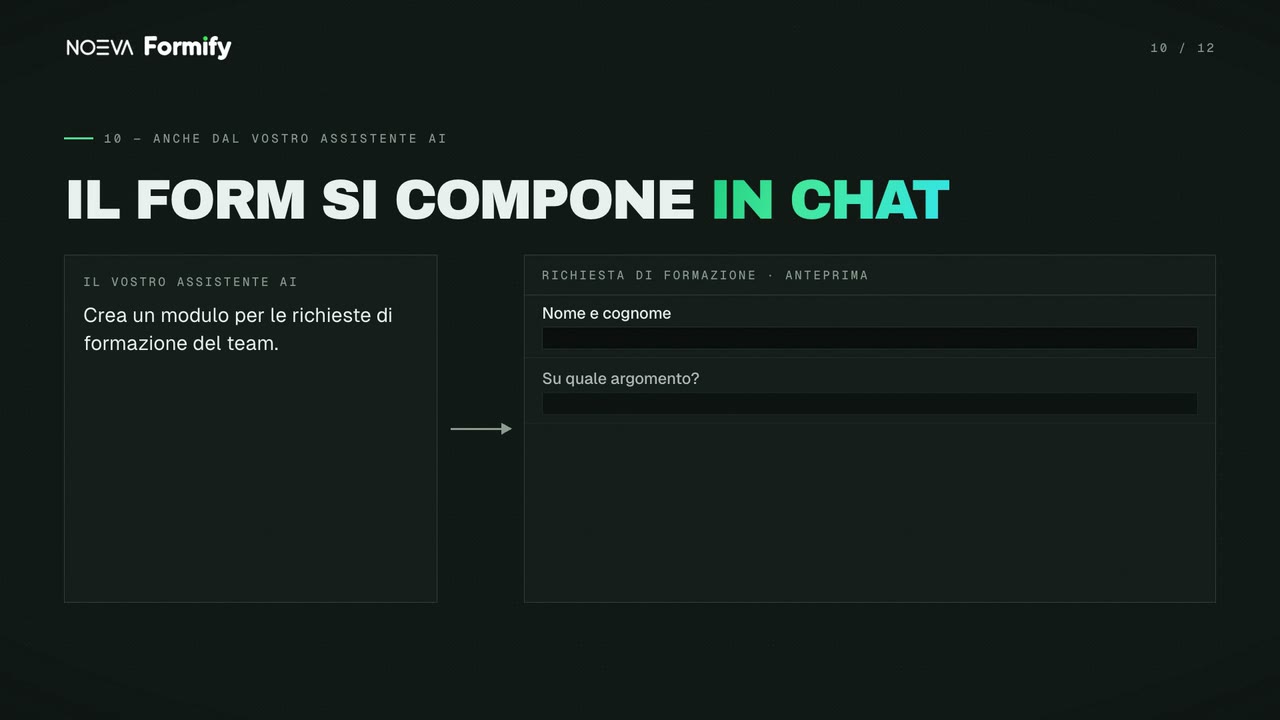
You can also create the form from your AI assistant. You watch it take shape, field by field, and no change goes through without your confirmation.
10 Use cases
NOEVA, in-house
We use NOEVA Formify ourselves. Our website's contact form is built with it, and so are our internal forms: non-conformities, near misses, training requests.
11 Frequently asked questions
No. You describe it in plain words and the AI builds it; if the request is vague, it asks a few questions first. Then you can adjust it by hand.
Yes. The form takes on your colours, fonts and logo, and you can share it with a link or embed it in your website.
Query them: ask for a report or how the ratings are distributed, and you get the text and the chart. Every answer can also go into NOEVA as a document.
Yes. You watch it take shape field by field, and no change goes through without your confirmation.
You start free, directly at formify.noeva.ai, without going through a salesperson.